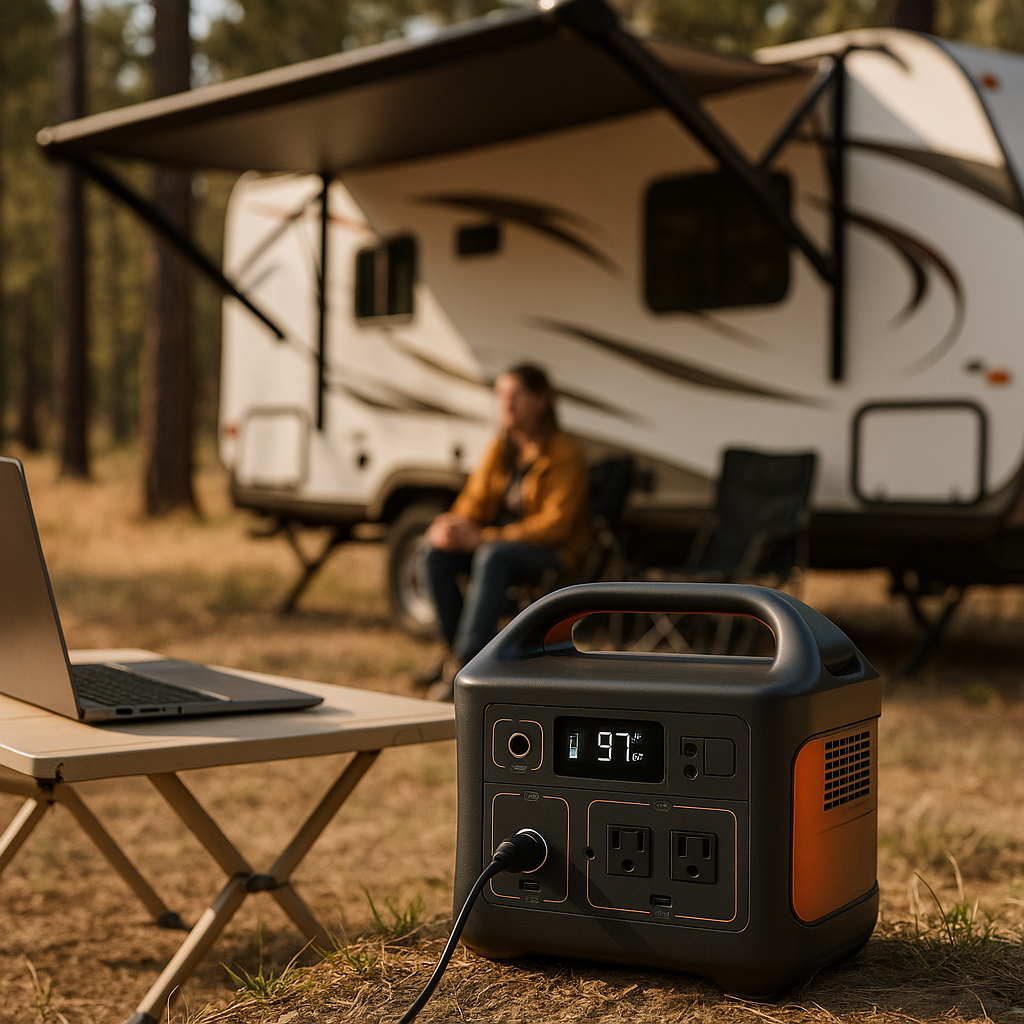
Smart RV Technology Upgrades That Make Life on the Road Easier

Salem Hassan founded Travelcamp RV and brings 30+ years of hands-on RV, marine, and powersports retail experience to every review.
✎ Reviewed by Salem Hassan — Founder, Travelcamp RV · 30+ years in RV, marine, and powersports retail
Why trust us
ShopRVGear articles are researched by the Searchshop Editorial team using manufacturer specs, RV trade sources, and owner feedback. We match every recommendation to your RV class — Class A, B, C, fifth-wheel, or travel trailer — because gear that works in a 40-ft motorhome often does not fit a Class B van. We may earn a commission on qualifying purchases; it does not change what we recommend.
Smart RV Technology Upgrades That Make Life on the Road Easier
If you are looking for the best rv smart home technology upgrades, the goal is not to turn your rig into a gadget showroom. It is to make everyday RV living simpler, safer, and more efficient. We researched the upgrades that deliver the most practical value on the road, from power monitoring and climate control to security, connectivity, and water management. When chosen carefully and installed correctly, smart RV technology can reduce guesswork, help prevent common problems, and give you more control whether you are camping off-grid or staying at a full-hookup resort.
Why Smart Technology Makes Sense in an RV

A house stays put. An RV moves through changing weather, campground power quality, cell coverage, and road vibration. That makes monitoring systems more important in an RV than in many homes. Smart technology can help us:
- Track battery condition and energy use in real time
- Monitor tanks, leaks, and interior temperature remotely
- Improve internet reliability for work and travel planning
- Add convenience with app-based lighting and automation
- Increase safety with cameras, sensors, and alerts
The best upgrades are the ones that solve recurring problems. If we often worry about battery drain, a battery monitor matters more than decorative lighting. If we travel with pets, remote temperature alerts may be a priority.
The Most Useful Smart RV Upgrades
Smart Power and Battery Monitoring
Power is the backbone of modern RV comfort. A smart battery monitor or energy management system helps us understand how much power we are using, how quickly batteries are charging, and when we need to conserve.
Benefits include:
- Real-time battery state of charge
- Solar charging visibility
- Alerts for low voltage or unusual draw
- Better generator and inverter management
For motorhomes and larger trailers, smart surge protection and electrical monitoring are especially helpful. They can warn us about low voltage, miswired pedestals, or power spikes before damage occurs.
Smart Thermostats and Climate Sensors
RV interiors heat and cool quickly, and temperatures can vary widely from front to back. Smart thermostats and wireless temperature sensors help maintain comfort and protect pets, food, and electronics.
Useful features include:
- App-based temperature control
- High and low temperature alerts
- Multi-zone monitoring
- Better scheduling for furnace or air conditioner use
Before upgrading, we recommend confirming compatibility with the RV’s HVAC control system. Not every residential smart thermostat works well with RV furnace and rooftop AC wiring.
Wi-Fi, Cellular, and Network Management
Reliable internet is one of the most practical RV upgrades for travelers who work remotely, stream media, or rely on navigation and campground research. Smart networking gear can combine campground Wi-Fi, cellular data, and internal router controls.
A better RV network setup may include:
- A mobile router for managing multiple devices
- A cellular booster where legal and appropriate
- Roof-mounted or window-mounted antennas
- App-based network monitoring and switching
This category is less about luxury and more about reducing frustration. A stable connection helps with trip planning, weather monitoring, and remote access to other smart devices inside the RV.
Smart Tank and Water Monitoring
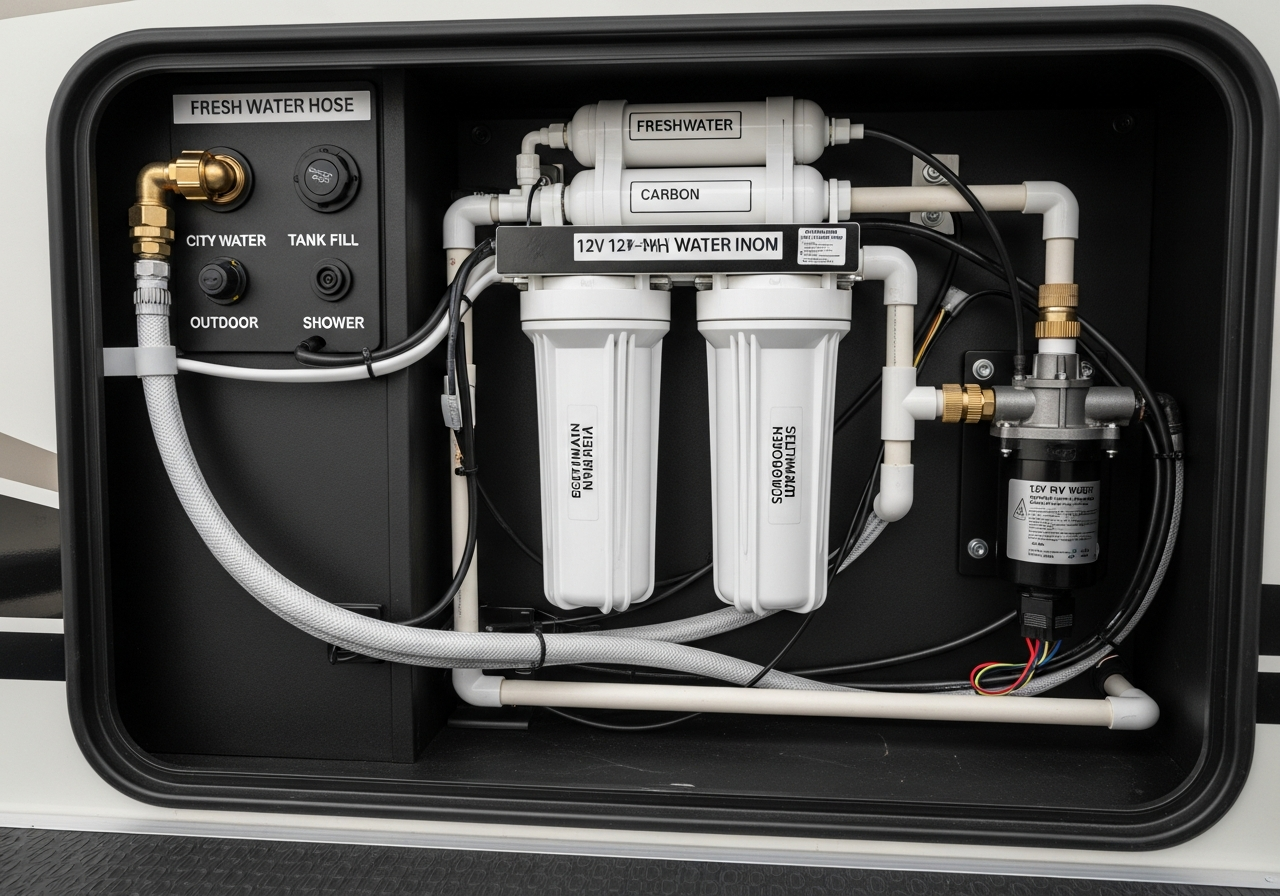
Factory tank sensors are often inaccurate. Smart tank monitors provide more reliable readings for fresh, gray, and black tanks, which helps us avoid overfills and unnecessary dump station trips.
Other useful water-related upgrades include:
- Leak detectors near sinks, toilets, and water heaters
- Smart water pump monitoring
- Freeze alerts for cold-weather camping
- Water pressure monitoring where supported
These systems are especially valuable in four-season camping or when leaving the RV unattended for part of the day.
Smart Security and Entry Monitoring
Security upgrades can add peace of mind without becoming complicated. We researched systems that focus on practical visibility and alerts rather than excessive features.
Helpful options include:
- Door and window sensors
- Motion alerts
- Interior or exterior cameras
- Smart locks or lock status monitoring
- GPS tracking for towables and motorhomes
For many RVers, even a simple camera and entry alert setup can make arrivals, departures, and overnight parking feel more secure.
Smart Lighting and Automation
Lighting is not the most essential upgrade, but it can improve convenience and energy control. App-based lights, dimmers, and scene settings can help reduce battery use and simplify nighttime routines.
Examples include:
- Exterior awning light automation
- Bedside lighting control
- Entry lights on schedules
- Motion-activated bathroom or hallway lights
Keep these upgrades simple. In an RV, fewer points of failure usually mean a better ownership experience.
How to Choose the Right Smart RV Upgrades

1. Identify the problem you want to solve
Start with daily pain points. Are we dealing with poor internet, uncertain battery levels, or temperature swings? The best upgrade is the one that addresses a real issue.
2. Check 12V, 120V, and app compatibility
RV systems often differ from residential wiring. Confirm voltage, communication protocols, and whether the device requires constant internet access.
3. Consider power draw
Some smart devices consume standby power continuously. For boondocking, low-draw devices are usually the better choice.
4. Think about vibration and travel durability
RV gear must handle bumps, temperature changes, and occasional moisture. We recommend choosing components designed for mobile or marine-style environments when possible.
5. Prioritize safety systems first
If the budget is limited, start with power monitoring, leak detection, and temperature alerts before moving to convenience upgrades.
How to Install Smart RV Technology Safely
Step-by-Step Installation Plan
Map your RV systems
Identify where your battery bank, fuse panel, inverter, router, thermostat wiring, and water lines are located.Read the wiring and power requirements
Confirm whether the device uses 12V DC, 120V AC, USB power, or hardwiring.Turn off power before working
Disconnect shore power, switch off the inverter, and isolate the battery when appropriate.Use the correct connectors and fusing
Add inline fuses where required, and avoid loose wire nuts in vibration-prone areas.Mount components securely
Use screws, vibration-resistant fasteners, or approved adhesive mounts suited for RV movement.Test before finalizing panels and trim
Verify app pairing, sensor readings, and power function before closing access panels.Label everything
Mark new circuits, sensors, and network names so future troubleshooting is easier.
Safety Tips
- Never assume RV wiring matches residential color conventions
- Use a multimeter before making electrical connections
- Keep water sensors and cable runs away from sharp edges and heat sources
- If you are unsure about 120V wiring, hire a qualified RV technician or electrician
- Do not overload existing circuits with added accessories
Troubleshooting Common Smart RV Technology Problems
1. Device will not power on
Diagnostic steps:
- Check the fuse or breaker
- Confirm battery voltage or shore power status
- Verify polarity on 12V connections
- Inspect connectors for vibration-related loosening
Solutions:
- Replace the blown fuse with the correct rating
- Recharge batteries or restore source power
- Correct reversed wiring
- Re-seat or upgrade loose connections
2. App cannot find the device
Diagnostic steps:
- Confirm Bluetooth or Wi-Fi is enabled on the phone
- Move closer to the device
- Check whether the device requires 2.4 GHz Wi-Fi instead of 5 GHz
- Restart the router or device
Solutions:
- Re-enable wireless settings
- Pair from a shorter distance
- Connect to the supported network band
- Perform a reset and repeat setup
3. Sensors give inaccurate readings
Diagnostic steps:
- Check placement of the sensor
- Look for interference from heat, sunlight, or metal surfaces
- Review calibration settings in the app
- Compare readings with a known reference tool
Solutions:
- Reposition the sensor
- Shield it from direct heat or sun
- Recalibrate if supported
- Replace a failing sensor if readings remain unstable
4. Internet is weak or inconsistent
Diagnostic steps:
- Test speed near the router and farther away
- Check antenna placement
- Review data source priority settings
- Look for campground congestion at peak hours
Solutions:
- Reposition the router or antenna
- Raise or relocate external antennas for better line of sight
- Change network source preferences
- Switch to cellular data when campground Wi-Fi is overloaded
5. Battery drains faster after upgrades
Diagnostic steps:
- Measure parasitic draw with all systems at rest
- Review each added device’s standby consumption
- Check inverter settings and always-on accessories
- Confirm charging sources are working correctly
Solutions:
- Disable unnecessary always-on features
- Put nonessential devices on switched circuits
- Adjust inverter idle settings if available
- Expand charging capacity or battery storage if needed
Seasonal Maintenance Guide for Smart RV Systems
Spring Startup Checklist
- Inspect sensor mounts, wire runs, and exterior seals
- Update apps and device firmware
- Test tank monitors, leak detectors, and temperature alerts
- Check router, antennas, and network settings
- Verify battery monitor accuracy after storage
Summer Travel Checklist
- Clean dust from vents around routers and electronics
- Test air conditioning controls and remote alerts
- Confirm cameras and exterior sensors are free of dirt
- Review power usage if running multiple cooling devices
Fall Preparation Checklist
- Recheck furnace-related thermostat functions
- Test freeze alerts and low-temperature notifications
- Inspect cable penetrations for drafts or moisture entry
- Back up configuration settings if your system allows it
Winter Storage Checklist
- Power down nonessential smart devices
- Disconnect or maintain batteries properly
- Remove portable sensors that may be damaged by freezing
- Cover or protect exterior antennas where appropriate
- Check the RV periodically for moisture or power loss alerts
Step-by-Step Smart System Maintenance
Clean contact points and terminals
Corrosion and dust can affect low-voltage systems. Use appropriate electrical contact cleaners where needed.Review firmware updates carefully
Updates can improve performance, but install them when you have stable power and internet.Retest alerts quarterly
Trigger leak, entry, and temperature alerts intentionally to confirm notifications still work.Inspect mounting hardware
Road vibration can loosen screws and brackets over time.Document changes
Keep a simple list of installed devices, app logins, fuse locations, and reset procedures.
Common Mistakes to Avoid
Overcomplicating the system
Too many apps and overlapping devices can create confusion. We recommend building a simple, reliable setup first.
Ignoring power budget
Every connected device adds some load. This matters much more in an RV than in a house, especially off-grid.
Choosing home-only equipment
Some smart home devices do not tolerate RV vibration, heat, or unstable power conditions well.
Skipping manual backup control
A smart system should still allow manual operation. If an app fails, we should still be able to control lights, climate, and key utilities.
Final Thoughts
The best smart RV upgrades are the ones that quietly solve problems in the background. For most travelers, that means starting with battery monitoring, electrical protection, tank and leak sensors, temperature alerts, and better connectivity. After those essentials, convenience upgrades like lighting automation and app-based controls can make day-to-day life smoother.
Rather than chasing every new gadget, we recommend building a smart RV setup in stages. Focus on compatibility, low power draw, and ease of troubleshooting. A well-planned system can make travel less stressful and help protect the RV systems we rely on every day.
Key Takeaways
- The best rv smart home technology upgrades focus on safety, power awareness, water monitoring, connectivity, and climate control
- Start with problem-solving upgrades such as battery monitors, surge protection, leak detectors, and temperature alerts
- Always confirm RV-specific compatibility for 12V, 120V, HVAC, and network requirements
- Install smart devices with proper fusing, secure mounting, and manual backup controls
- Troubleshoot methodically by checking power, connectivity, placement, and calibration
- Maintain smart RV systems seasonally with firmware checks, alert testing, cleaning, and wiring inspections